Try it Free on iOS & Android

The apps your kid loves are locked.
They unlock them by earning & learning.

A language lesson, a step goal, a chess puzzle, a chapter, a chore - each one pays Time Coins. Coins buy minutes. You set the prices once, and the arguing stops.

Try it free
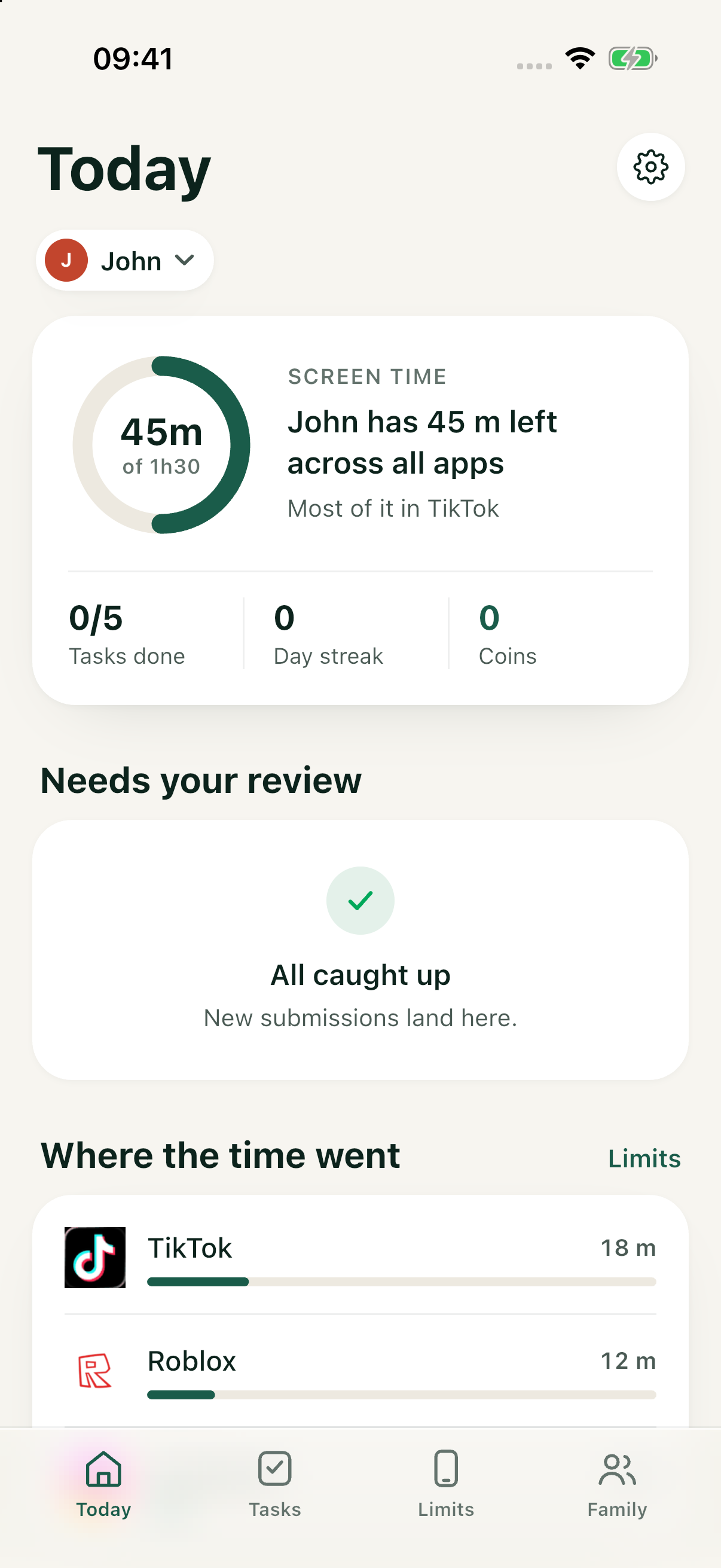
Safini parent dashboard for John
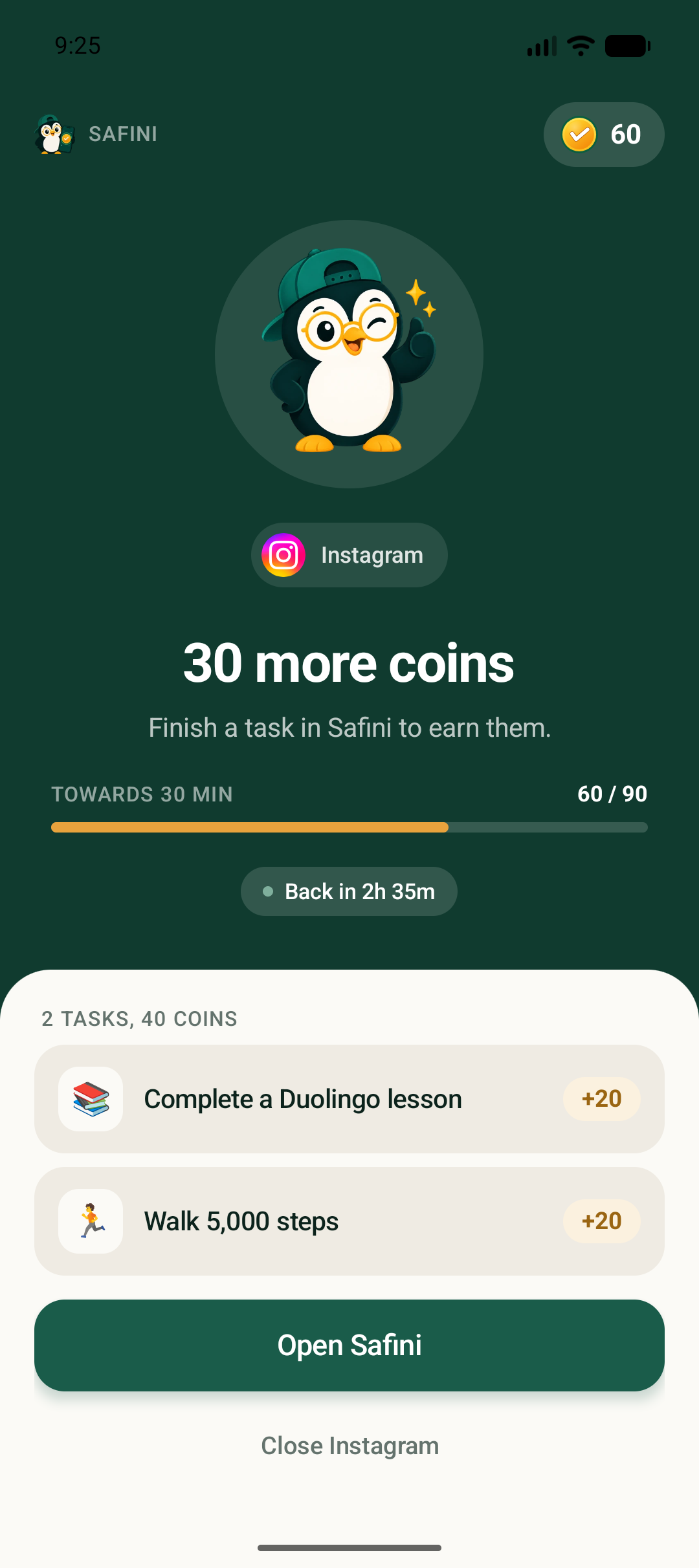
Real Safini Android child screen: Instagram is paused with 30 coins and an English Duolingo task
How it works

Three steps, then it runs itself.

Set up once on both phones. Limits are enforced on the child's device, so they keep working with the data switched off.

1

You set the prices

Pick the apps that get controlled, give each a daily free allowance, and set what extra minutes cost. Defaults are suggested by your child's age.

2

They earn the coins

Lessons, steps, puzzles, reading, chores. Some tasks are checked automatically; the rest come to you as a photo to approve.

3

The app unlocks

When the allowance runs out the app stops opening and shows the price. They pay, it opens instantly - no message to your phone required.

Why this is different

Everyone blocks. Nobody lets a child earn their way through.

Blocking alone makes the app the enemy and the parent the police. The same restriction, priced, becomes a game with a visible way through it.

BlockersSafini
Locks the apps✓✓
A price the child can pay-✓
Rewards good habits, not obedience-✓
One dashboard across an iPhone parent and an Android child-✓
Plans

Start free. Pay less than a coffee a month.

One subscription per family, paid with an Uzcard or Humo card. No per-child fee.

Save 27%
Free
$0
One child
Download free
  • ✓The full earn-and-unlock loop
  • ✓Up to 3 controlled apps
  • ✓Up to 3 recurring tasks

Questions parents actually ask.

Can my child get around it?

A determined child can, and we will not tell you otherwise - safe mode, a second user profile or a factory reset defeat every app in this category, ours included. What we do is notice. Each bypass raises an alert on your phone, usually within minutes, and the deterrent is that your child knows you will see it.

Does it work if I have an iPhone and my child has an Android?

Yes - that mixed household is the normal case here, and it is something neither Apple nor Google will ever give you. The parent and child apps both run on iPhone and Android.

What if the internet is off?

Limits are enforced on your child's own device, so turning off mobile data unlocks nothing. It only stops them buying more time.

Which ages, languages and phones?

Ages 6-14, with a lighter mode for 15-16. Uzbek, Russian and English, switchable in the app. Android 8 and above, iOS 17.4 and above.

Do you sell my child's data?

No. We never process biometric data on our servers and never read device hardware identifiers. Face ID stays on your phone. Our database is registered with the Personalization Agency.

Won't the AI tutor just do the homework?

It is built so it cannot. The tutor asks scaffolded questions and a validator rejects any finished answer before it reaches the child - the deliberate opposite of the chatbot-as-shortcut pattern.
Get Safini on both phones tonight.

Install Safini on your phone and on your child's, then set the prices together. The free plan covers one child.

Investor? safini.team@gmail.com